
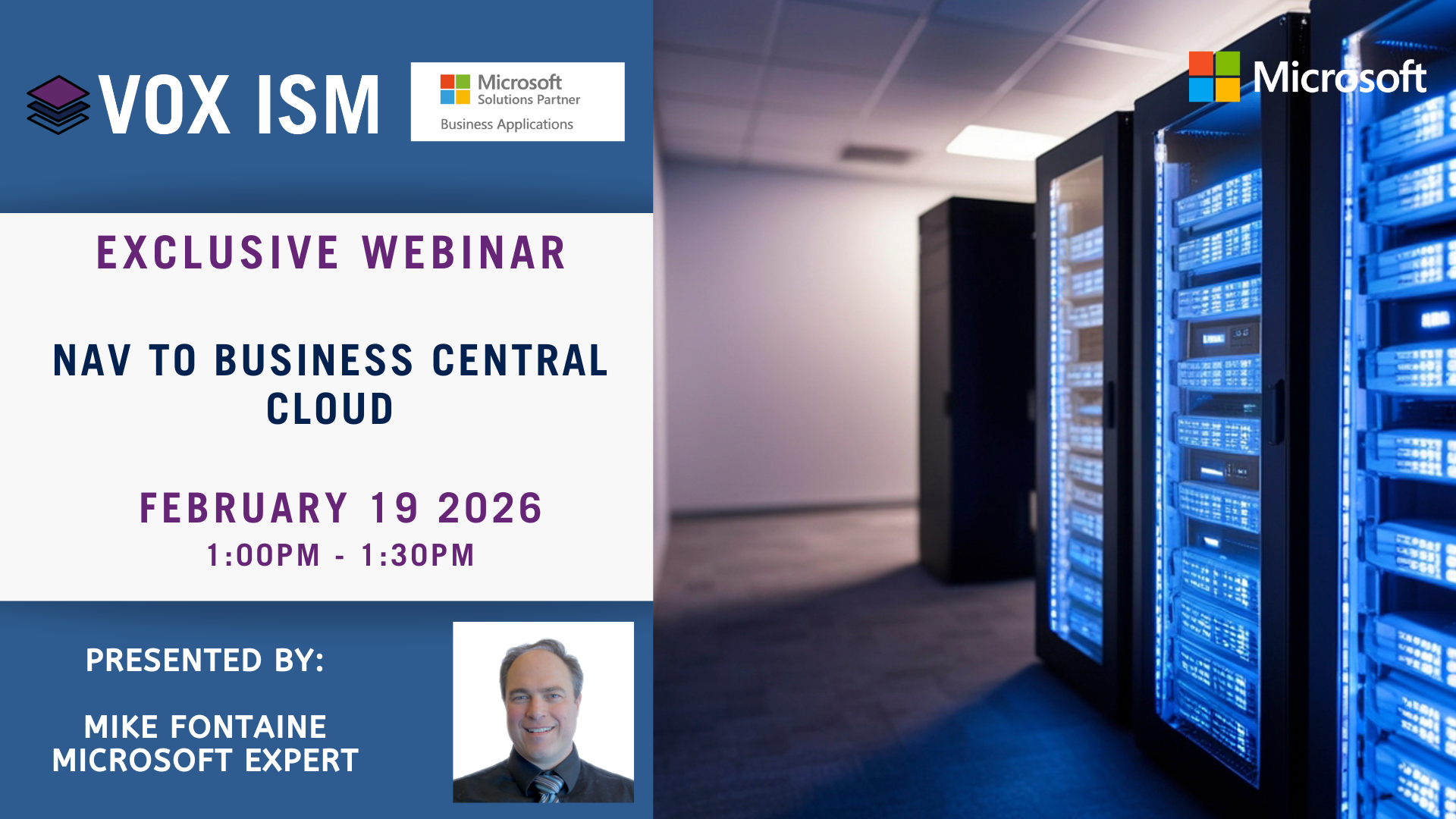
NAV to Business Central Cloud
In this session, you’ll learn what it takes to move from Microsoft Dynamics NAV to Dynamics 365 Business Central in the cloud. We’ll walk through the advantages of the cloud platform, the technical and functional changes you can expect, and the steps involved in planning a smooth upgrade or re-implementation. Whether you’re evaluating your options, preparing for an upgrade, or looking to modernize your operations, this webinar will give you a clear, practical understanding of how to transition to Business Central Cloud with confidence.
Agenda Bullets:
· Why move from NAV to Business Central Cloud
· Understanding the cloud architecture, updates, and security
· What changes for users: interface, features, and productivity tools
· What changes for IT: extensions, customizations, integrations
· Upgrade paths vs. re-implementation: choosing the right approach
· Data migration, environment setup, and testing considerations
· Ongoing benefits: automation, Copilot, mobility, and scalability


Manufacturing with Microsoft Dynamics 365 Business Central
Managing a manufacturing business can be cumbersome. Between the sales orders and production orders, sometimes you need to optimize your inventory and manage finances, there is not much time left to do that long term planning you need to achieve your goals. If you want to manage everything, plan and have visibility, you need a perfect ERP tool (Enterprise resource planning). Microsoft Dynamics 365 Business Central is the tool that will help you with everything you require to run and expand your manufacturing business.
Microsoft Dynamics 365 Business Central gives real-time visibility, allows your manufacturing module to be completely integrated into your other processes like customer service, accounting, marketing or inventory management. Microsoft Dynamics 365 Business Central manufacturing module has the following capabilities-
• Production Bill of Materials
• Production Orders
• Agile Manufacturing
• Version Management
• Supply Planning
• Demand Forecasting
• Sales and Inventory Forecasting
• Capacity Planning
• Finite Loading
• Machine Center
Microsoft Dynamics 365 Business Central is a business management solution that is easy to use and adapt. Our manufacturing clients have found Microsoft Dynamics 365 Business Central was instrumental in helping them make smarter decisions and connect their business in ways they never thought of.
Reasons why Production managers love working with Business Central
Unified Data
From inventory per bin location to one-click access to all the elements of your production order, it gives visibility. This helps in managing the production and resources in the most efficient ways.
Decreased Production Time
There are no delays for days or weeks of back and forth emails for Sales order approval to manufacture items. By lessening the time to market process, companies can save time and money and allocate these resources elsewhere.
Improved Quality
Microsoft Dynamics 365 Business Central provides traceability and tracking that enables a company to monitor the quality of its products. It also offers real-time reports on machines, components, work centers that are involved in the production. Production Managers can then ensure only the best quality products are being sent out to customers.
Integrating Business Processes
Managers can make updates instantly to keep the system up-to-date with all its orders and inventory. Users working in the front and the back office will have access to the same information in real-time, creating a more harmonized work dynamics.
Long Term Planning
Business managers can create long term demand forecasts, which can be used for calculating capacity and resource requirements in Microsoft Dynamics 365 Business Central by production manager. With capacity planning, you can plan your investments in manufacturing facility expansion or even sign blanket order contracts with a vendor to save money.
This is only a fraction of a long list of features Microsoft Dynamics 365 Business Central has to offer you and help you grow your manufacturing business. If you want to learn about manufacturing module functionality in Business Central, please join our webinar on January 30, 2020.


Vasu is a Manufacturing Consultant at VOX ISM, her current role is focused on supporting clients in manufacturing, distribution, and the food industry. Vasu brings her manufacturing and supply chain experience to her customers help in implementing new ERP system. She also has project management experience in MS Dynamics 365 Sale and Business Central implementation, training and is well known in the industry for delivering projects on time and on-budget.

Why Should Businesses Integrate Their EDI Data With Their ERP?
Large enterprises and SMBs that supply to major retailers such as Walmart, Costco, Amazon, Loblaws and Hudson’s Bay are mandated to utilize EDI as a means to exchange business transactions. This enables efficient and secure electronic exchange of business data between them.

To respond to this mandate, each supplier maintains an EDI system that they use to communicate with their enterprise-level customers electronically. Additionally, each organization also supports their own ERP/Accounting System to manage their business processes and information.
Attend the Microsoft Dynamics Fall Manufacturing Trade Show at Microsoft Canada HQ on September 25.
With the massive amount of data that is going back and forth from different sources, it has become a necessity for every business to consider integration between their business applications.
1) Integration automates manual tasks: Enables focus on higher-value tasks rather than data entry.
2) Integration increases shipping & invoice accuracy: Real-time sync from ERP to EDI and vice versa enables accurate order fulfilment.
3) Integration allows quicker turnaround: Speeds up order processing, providing a competitive edge in today’s fast-moving world.
EDI integration has been a complex, time-consuming and resource-intensive process for customers, large and small. Tangentia EDI, through its cloud-based, SaaS offerings such as Tangentia Gateway, Tangentia Grid and EZ Border Solutions, makes the entire EDI integration process seamless.
Tangentia EDI’s Navision Engine integrates directly with Microsoft Dynamics NAV and connects businesses with trading hubs in the Retail, Automotive, Logistics and Industrial sectors.
Six reasons to use Tangentia EDI for Microsoft Dynamics NAV integration:
1) Stability: Backed by the global Tangentia Consulting & Technology Organization
2) Credibility: 75+ Microsoft Dynamics NAV implementations worldwide
3) Flexibility: Integrations to 50+ ERP/WMS/eCommerce systems
4) Reliability: 1000+ EDI customers globally
5) Scalability: Connect to more than 2000+ trading hubs globally
6) No EDI chargebacks: Guaranteed EDI compliance to trading partner specifications
Interested to know more?
On September 25, Vijay Thomas from Tangentia will present the app to integrate EDI with ERP at the Manufacturing Trade Show at Microsoft Canada’s Headquarters located in Mississauga.
Click here for the complete seminar agenda and reserve your seat.
If you are looking for a new manufacturing software or upgrading from a legacy version of Microsoft, this seminar will provide you with the answers you need to make an informed decision.
See you at the seminar room!
Top 6 Business Intelligence and Reporting Pains from a Microsoft Dynamics NAV User
Creating and customizing reports should be easy, right? Microsoft Dynamics NAV is a robust ERP system for managing business processes and operations, but when it comes to accessing data, easy might not be the ideal word to use.

A general challenge experienced by most members of the Dynamics NAV community is that there is a complexity to building and configuring reports in such a robust system. Not everyone is a data expert, and the ability to transform large amounts of data into a small, more manageable format is essential for communication, growth and decision making. Even with the launch of the new NAV 2018 Excel reports, there are still restrictions on the amount of preconfigured reports available, on top of non-existent drill-down capability and a lack of flexible custom reports.
Attend the Microsoft Dynamics Fall Manufacturing Trade Show at Microsoft Canada HQ on September 25
People that work in Dynamics NAV every day, from reconciling inventory accounts to creating new vendor accounts, don’t want to have to call a consultant to pull a report. The hardest part is that they know all the BI tools are pre-built into the system waiting to be used, but without the technical background, it’s not something your average accountant or manager has the ability (or time) to learn. Ultimately, they want to be able to pull the report they need themselves.
When you don’t have a readily available IT team or the skills in-house to make Microsoft’s BI stack work for you, your users are faced with growing pains. Here are the top 6 reporting challenges compiled from Dynamics NAV users:
- Delays
There’s a lot of waiting required when you can’t build the reports you need when you need them. Waiting on consultants and changes to custom reports takes valuable time from a busy employees’ day and ends up delaying any decisions pending that report. - Data Errors
The result of not being able to build your reports is usually system workarounds. From copy and paste to “Frankenstein” Excel spreadsheets, mistakes made from manual data entry result in inaccurate reporting and decision-making. - Risk
Bad data or a general lack of data can cripple your organizational visibility and ultimately impact revenue and customer relationships. If your executive team is being fed inaccurate data and only one side of the business, you might as well close your eyes and pick a decision at random. - Productivity
Employees that struggle with not being to create their reports ended up feeling frustrated and annoyed with a system. This impacts morale and results in more time being spent on patchwork or workarounds. - Reliance
Analytics and data experts with a Dynamics NAV background are hard to find, which is why most companies rely on their solutions partners for custom reports and problems they encounter. - Cost
All of these challenges essentially boil down to the bottom line – cost. On top of the cost of delays and errors, you have to pay for experienced consultants to build any new or custom reports you need.

Interested to know more?
On September 25, Janice Taylor from Jet Reports will present the Business Intelligence and Reporting App for Microsoft Dynamics NAV at the Manufacturing Trade Show at Microsoft Canada’s Headquarters located in Mississauga.
Click here for the complete seminar agenda and reserve your seat.
If you are looking for a new manufacturing software or upgrading from a legacy version of Microsoft, this seminar will provide you with the answers you need to make an informed decision.
See you at the seminar room!