

- This event has passed.
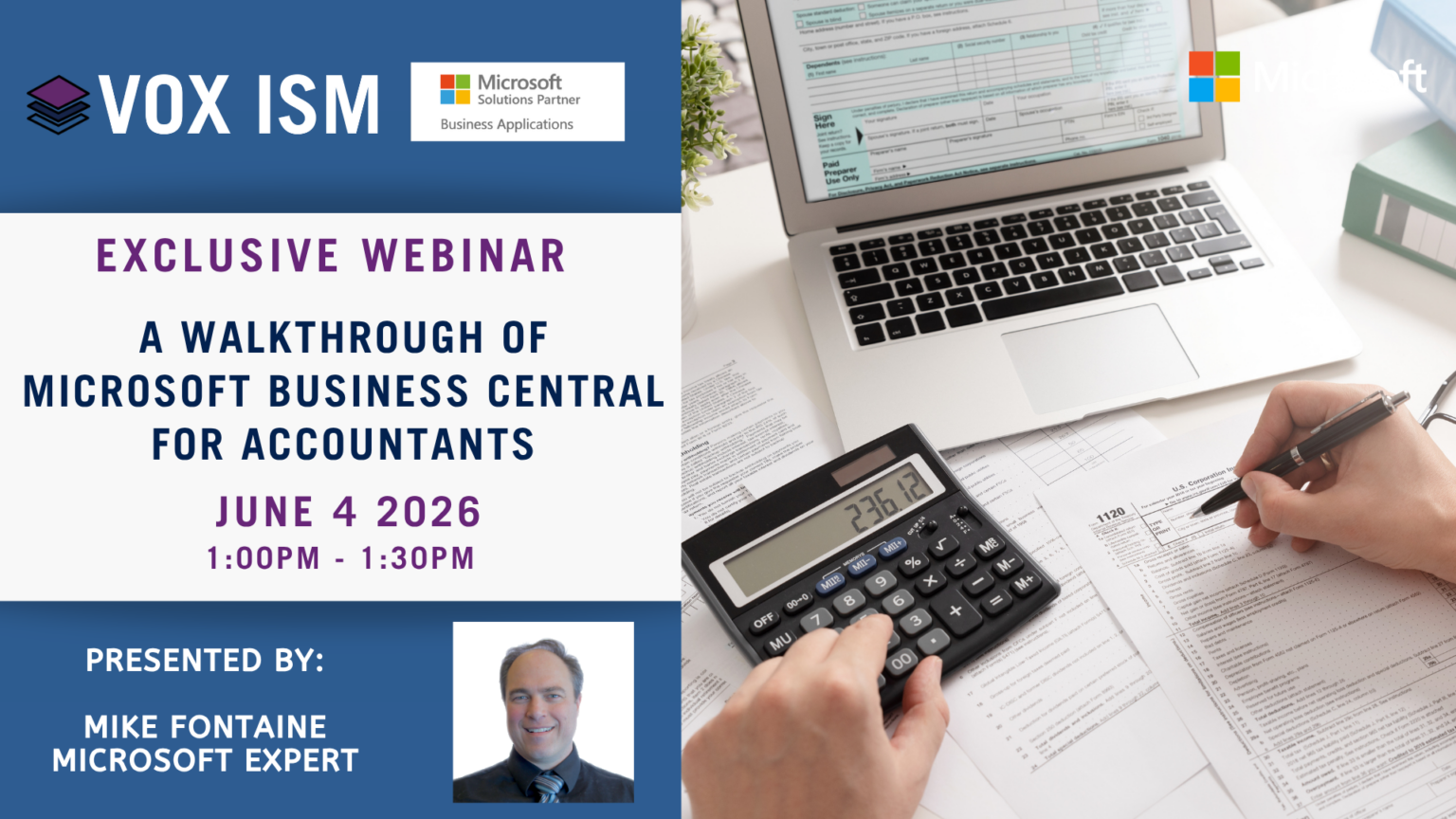
Accounting professionals need tools that are accurate, efficient, and easy to navigate. In this live webinar, we’ll walk through the core accounting functions in Microsoft Business Central, focusing on Accounts Receivable, Accounts Payable, Copilot, and the General Ledger. You’ll see real transactions in action, learn how to handle common month-end tasks, and get a clear view of how everything ties back to your financials.
Agenda
· Navigation & Role Center: Accountant dashboard, shortcuts, and personalization
· Accounts Payable: Create POs, match invoices, process vendor payments
· Accounts Receivable: Sales orders, invoicing, customer payments
· Bank & Reconciliation: Deposits, bank statement matching
· General Journals: Recurring entries, allocations, Excel integration
· Financial Reporting: Statements, dimensions, export to Excel/Power BI
· Copilot Features: AI-assisted reconciliation, quick insights
· Month-end activities and reconciliations
· Tips for maintaining clean, accurate books
Whether you’re evaluating Business Central for the first time or looking to get more out of your current setup, this walkthrough will give you a clear picture of how the platform supports day-to-day accounting operations. Join us to see the system in action and discover how Copilot and modern integrations are making accounting faster, easier, and more accurate.