

- This event has passed.
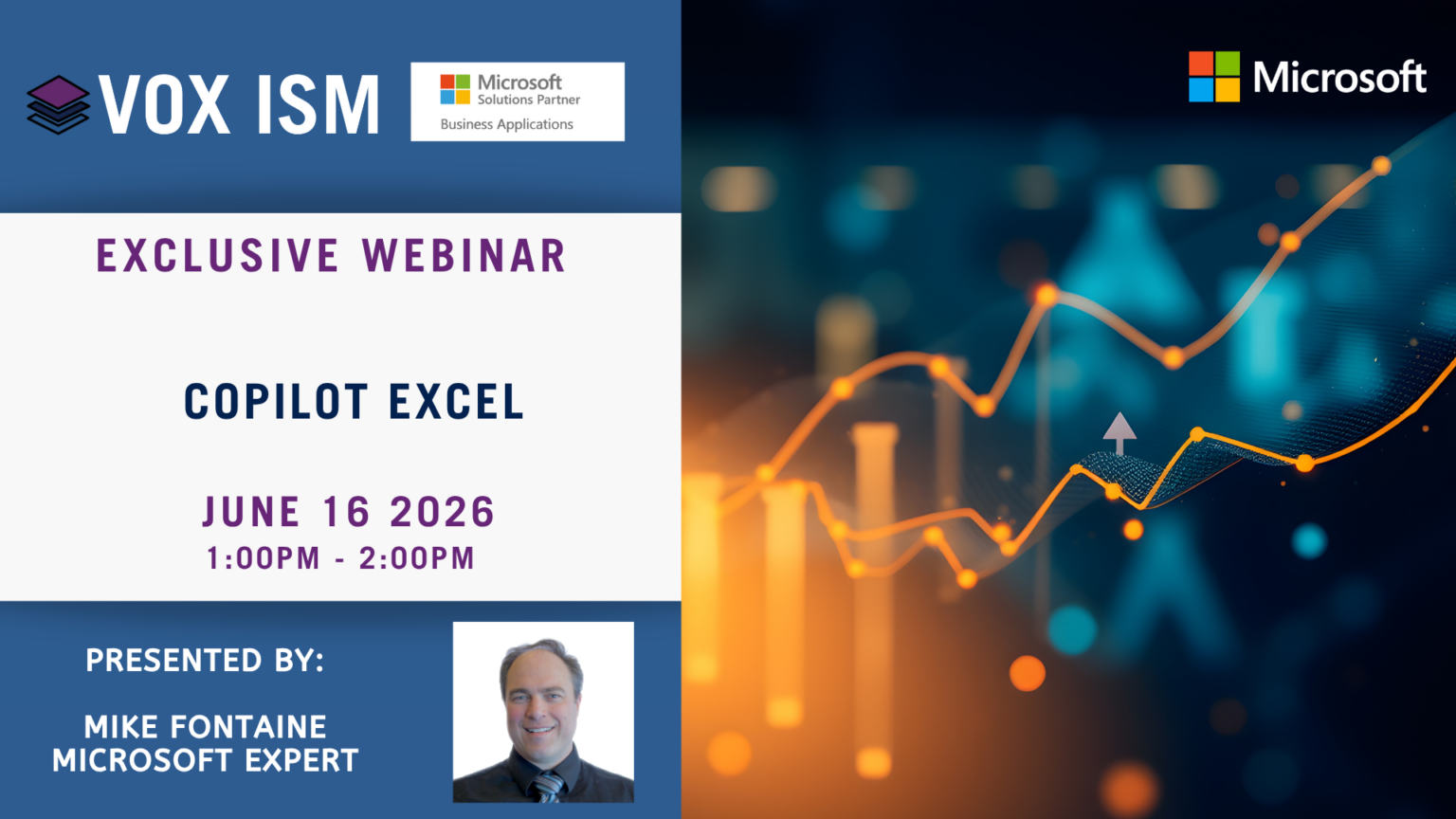
In this session, you’ll learn how to use Copilot inside Microsoft Excel to analyze data, generate formulas, summarize information, and create charts — all using natural language prompts. We’ll walk through practical examples that show how Copilot speeds up common Excel tasks, reduces manual effort, and helps you extract insights more efficiently. By the end, you’ll know exactly how to use Copilot to work smarter with your spreadsheets.
Agenda
· What Copilot can do in Excel: formulas, summaries, and visualizations
· How to explore and analyze data using natural language prompts
· Generating formulas that calculate results quickly and accurately
· Summarizing data and creating visualizations that highlight key insights
· Automating routine Excel tasks to save time and reduce errors
· Using Agent Mode for advanced data manipulation
· Real-world examples of faster data analysis with Copilot
· Best practices for getting accurate results from Copilot
Copilot in Excel is more than a shortcut — it’s a new way to interact with your data. Whether you’re building financial models, cleaning up datasets, or generating reports, Copilot helps you move faster and with greater accuracy. Join us to unlock the full potential of AI-powered productivity in Excel and see how it can transform your daily work.