

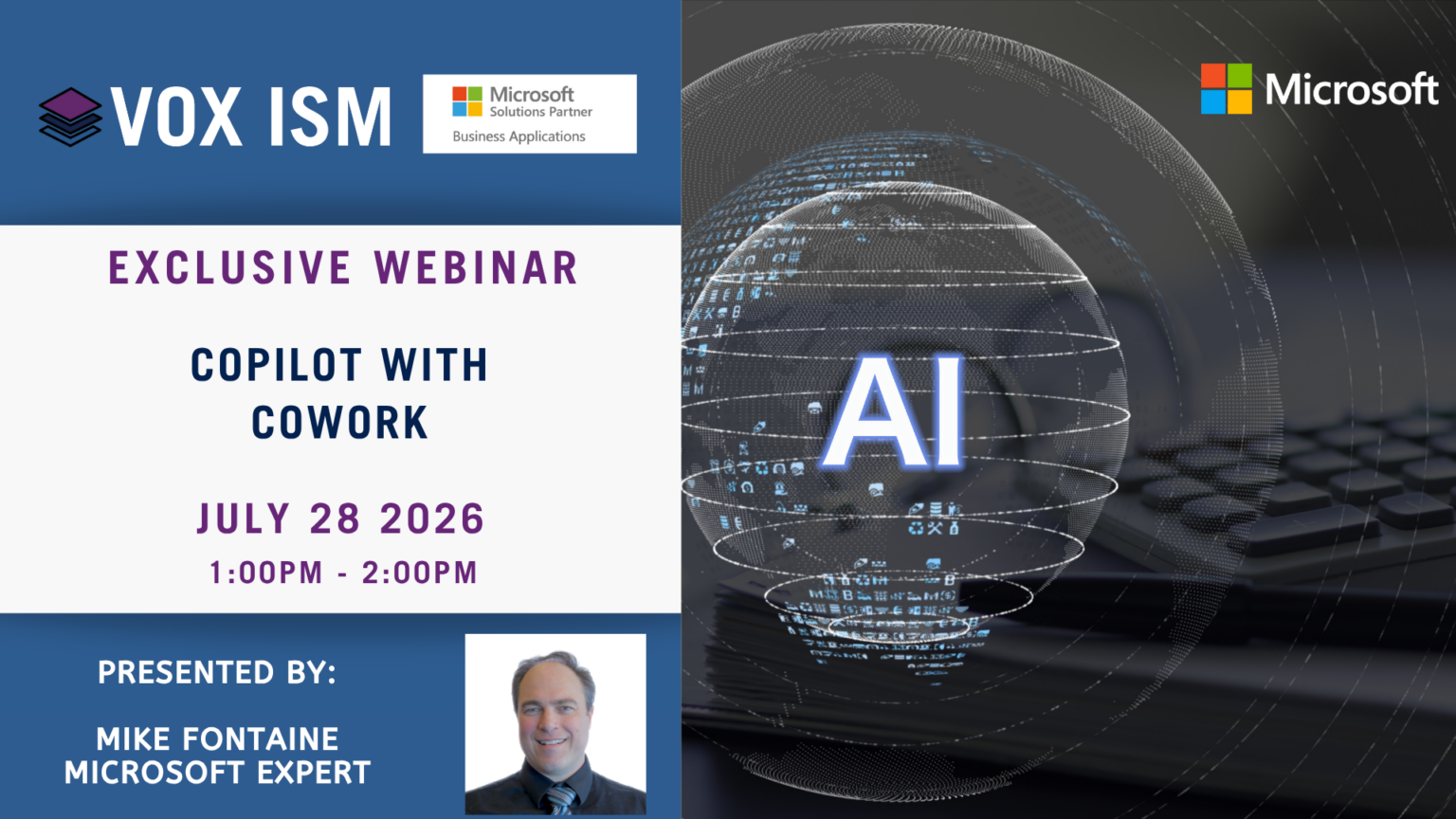
- This event has passed.
What is Copilot Studio?
• Overview of the low-code platform for building custom agents
• How Copilot Studio fits alongside Microsoft 365 Copilot and Dynamics 365
• Real-world examples of custom agents
Building Your First Agent
• Defining topics, triggers, and conversational flows
• Connecting knowledge sources (SharePoint, websites, and documents)
• Adding actions with Power Platform connectors and flows
Deploying & Managing Agents
• Publishing to Teams, websites, and Microsoft 365 Copilot
• Testing, analytics, and continuous improvement
Security, Governance & Readiness
• Data security, permissions, and compliance considerations
• What organizations should plan for before rolling out custom agents