

- This event has passed.
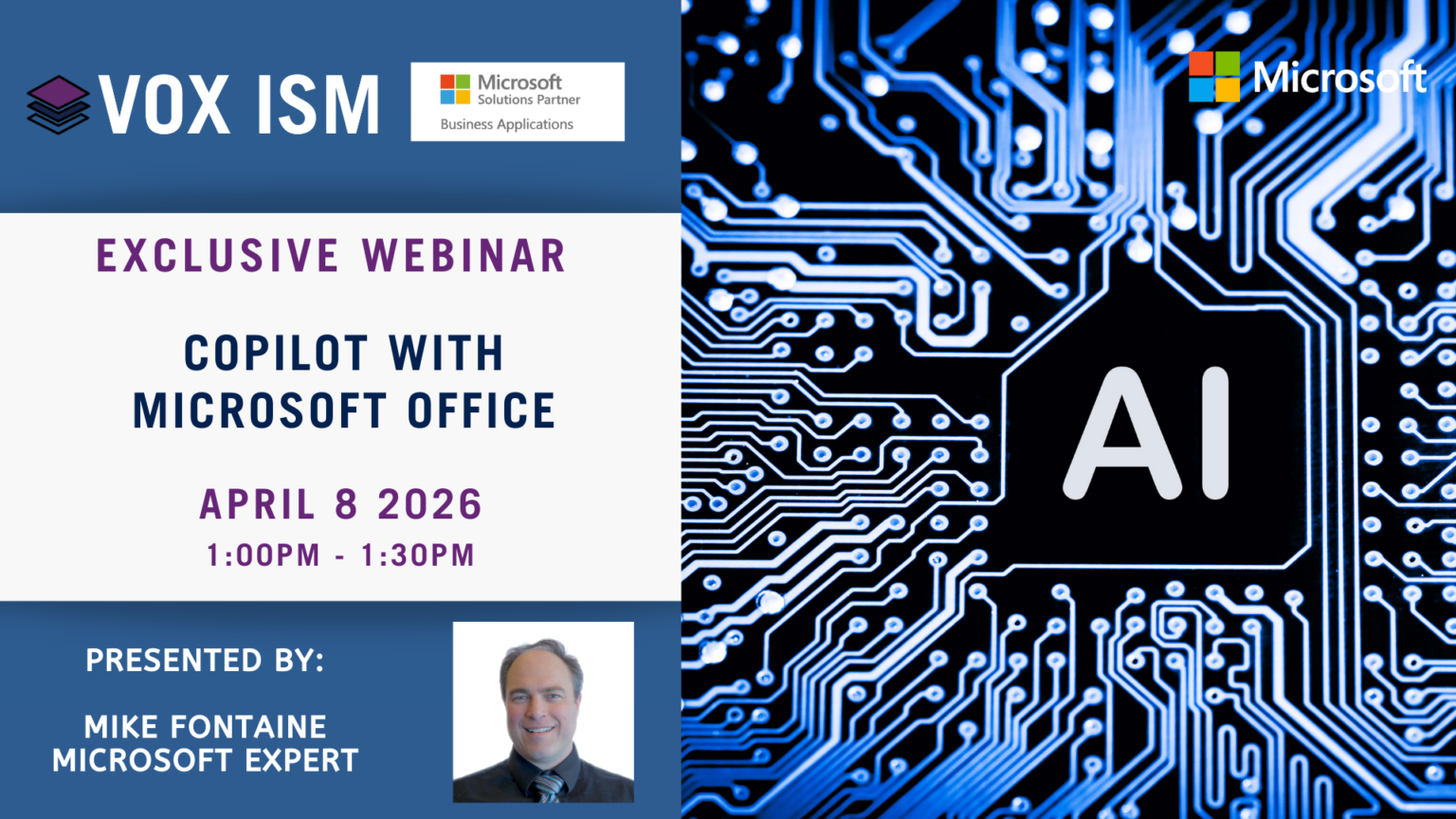
This session provides an overview of Microsoft Copilot across Office 365 (Microsoft 365), focusing on how Copilot works within everyday productivity tools like Outlook, Teams, Word, Excel, and PowerPoint to help users draft, summarize, analyze, and act on information using their own organizational data securely.
Agenda:
· What Copilot for Microsoft 365 is
· How Copilot uses your tenant data and context
· Copilot in Outlook for email drafting and summarization
· Copilot in Teams for meetings and chat insights
· Copilot in Word for document creation and editing
· Copilot in Excel for analysis and insights
· Copilot in PowerPoint for presentations
· Prompting basics and best practices
· Security, permissions, and data boundaries
· Real-world productivity scenarios
· Adoption considerations and next steps