

- This event has passed.
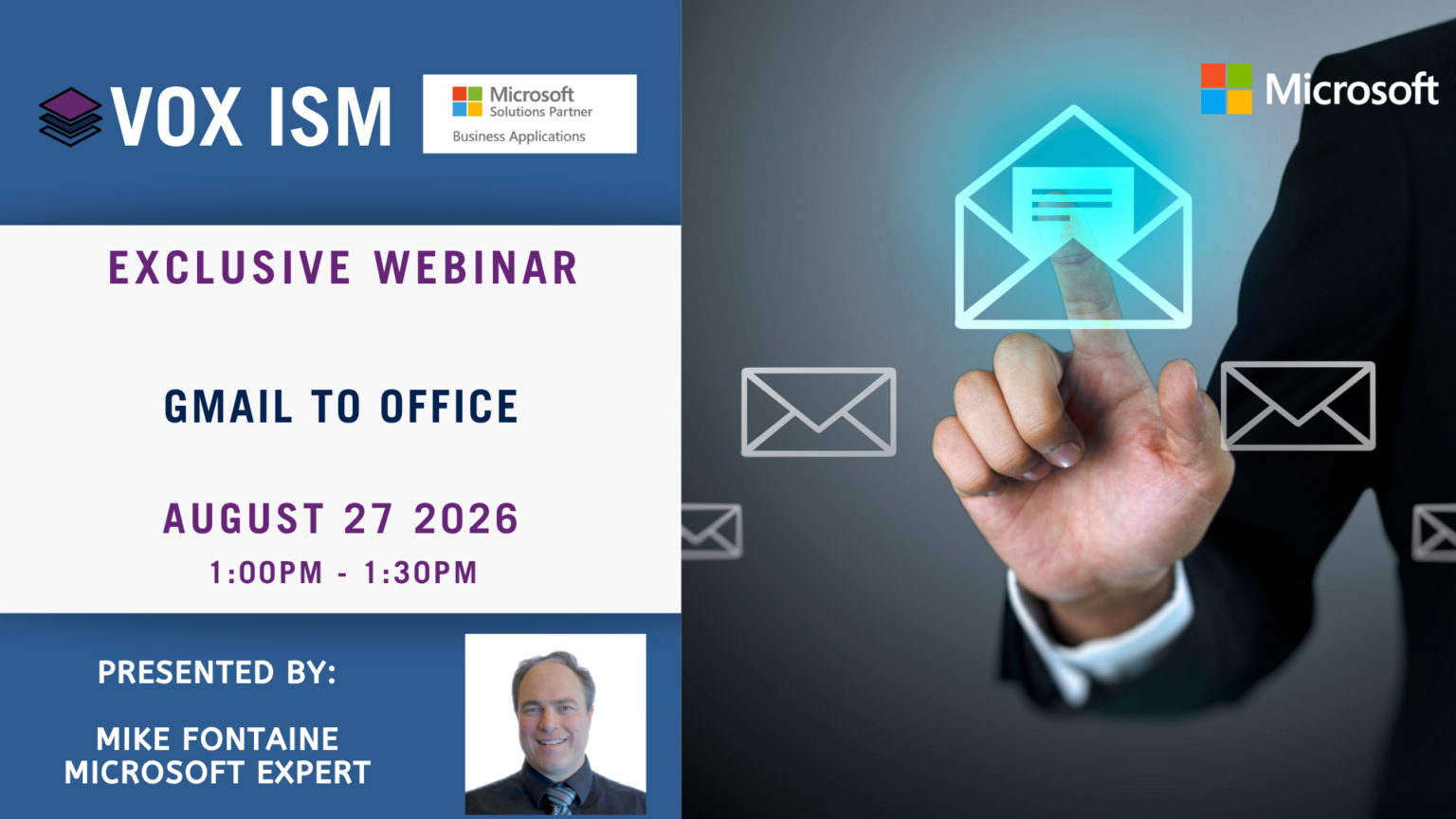
Migrating from Gmail to a Microsoft 365 / Office 365 (Exchange) environment primarily benefits organizations by providing significantly larger mailbox storage, deep desktop software integration, and centralized, compliance-driven IT management.
Agenda:
1. Introduction & The “Why”
· Overview: Brief introduction to the session and the top business benefits of migrating to the Microsoft 365 Exchange Online (bemopro.com) ecosystem.
· Highlighting enhanced security, centralized file management, and deeper app integration
2. Scoping & Pre-Migration Planning
· Audit: How to evaluate email volume, data storage needs, and prepare user mailboxes.
· Preparation: Ensuring IMAP access is turned on and gathering necessary admin credentials prior to the transfer.
3. The Data Migration Process
· Methods: Comparison of manual setup vs. automated third-party tools for migrating emails, calendars, and contacts.
· Timeline: Setting realistic expectations around data sync limits and potential downtime.
4. Post-Migration Validation · Checks: How to verify that your inbox folders, labels, and Google Calendar (cloudfuze.com) properties successfully synced to Outlook.
· Troubleshooting: Quick fixes for common sync issues and missing items
5. Training, & Adoption Familiarization: Helping your team adapt from Gmail labels to Outlook folders