

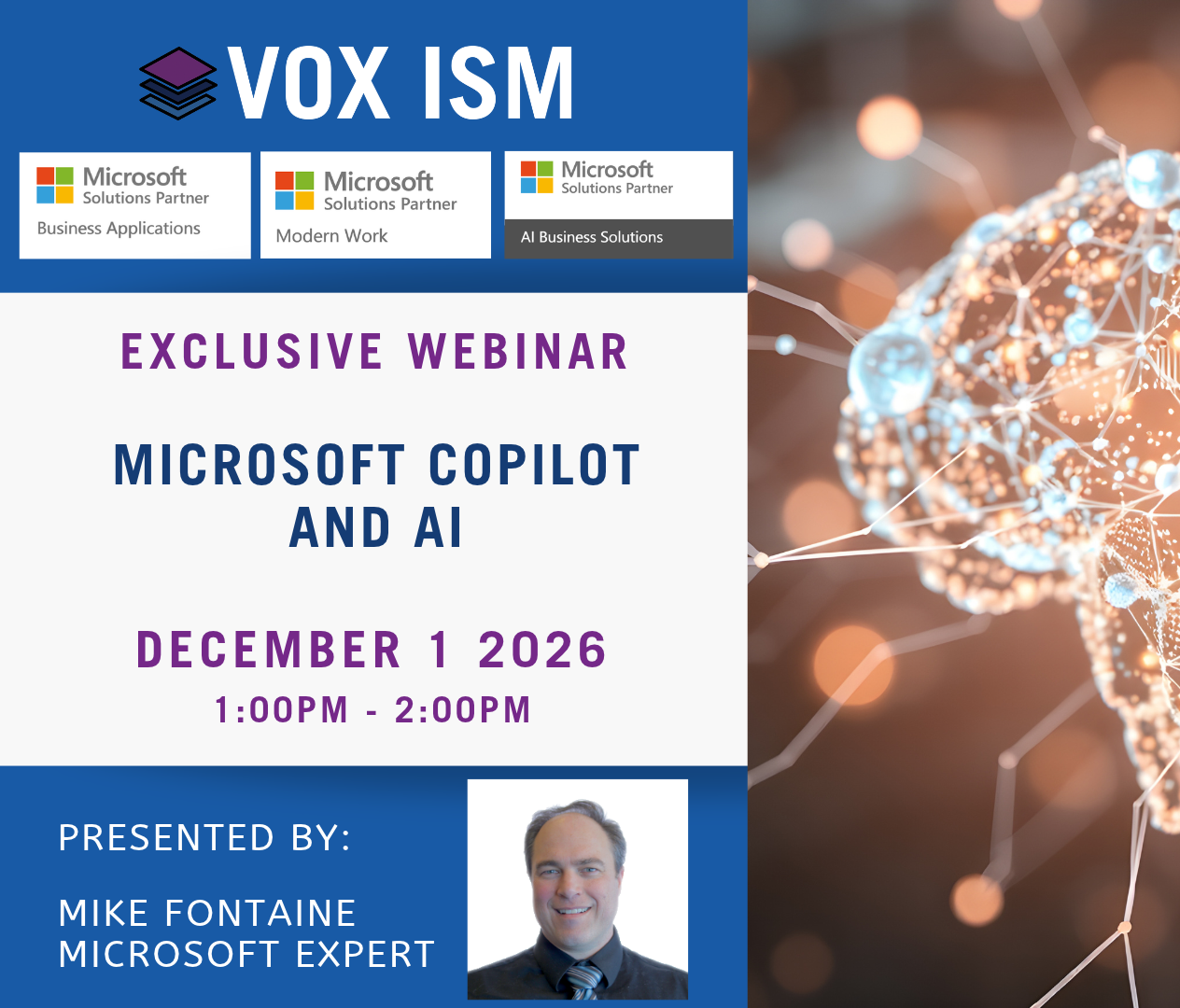
Overview
Microsoft Copilot is moving beyond the original prompt and response model of AI. The bigger opportunity is using Copilot as part of a workforce automation system that can understand information, work across applications and help complete tasks that have traditionally required a person to interpret what needs to happen next.
Traditional software is very good at automating a process when the rules are clearly defined. The harder problem has always been the fuzzy logic in between: reading an email and determining what someone wants, understanding the context of a meeting, finding the right information, deciding what is relevant and preparing the next step.
This webinar explains Microsoft’s direction for Copilot and demonstrates what it means using practical examples in Outlook, Teams, Word, Excel, PowerPoint, Copilot Chat and Business Central. The focus is the software, the work it can help complete and the points where a person still needs to review or decide.
Who Should Attend
· Microsoft 365 and Business Central users
· Finance, sales, customer service and operations teams
· Business owners and managers looking to automate repetitive work
· Organizations using Copilot mainly for prompts and questions
· Companies trying to identify practical processes where AI can reduce manual work
What You’ll Learn
· How Copilot is evolving beyond prompt and response
· The difference between rules based automation and AI assisted automation
· Where Copilot can help with fuzzy logic work that is difficult to code
· How Copilot uses information across Microsoft applications
· Where agents fit and when a repeatable task is a good candidate
· What can be automated today and what still requires human review
Agenda
1. From assistant to workforce automation
The session shows the progression from asking for an answer to giving Copilot a piece of work. A simple model is used: prompt, response, action and then repeatable automation.
2. Automating the fuzzy logic
Tasks built around reading, interpreting, searching, summarizing and deciding what should happen next are identified. These are often better AI candidates than processes that are already fully rules based.
3. Outlook and Teams
A demonstration of how Copilot can understand an email thread, prepare a response, summarize a meeting, identify decisions and turn follow-up items into usable work.
4. Word, Excel and PowerPoint
Existing business information is used to create a document, analyze a working spreadsheet and prepare a presentation. The demonstration also points out where the first result needs to be corrected or refined.
5. Copilot Chat
Information is brought together from Microsoft 365 without opening every email, chat and file separately. The example moves beyond a general question and asks Copilot to prepare a specific work product.
6. Copilot inside Business Central
A look at how Copilot becomes more useful when it is connected to the application where financial and operational transactions happen. The examples focus on finding, understanding and acting on business data.
7. Agents and practical next steps
An explanation of how an agent can repeat a defined sequence of research, interpretation and action. The session closes by selecting a small process, defining the controls and deciding where a person must approve the result.
Frequently Asked Questions
Is Copilot going to replace existing business software?
No. Business Central still runs financial and operational transactions, Outlook still manages email and Teams still manages collaboration. Copilot can help with the work that happens within and between those systems.
Which processes should be looked at first for Copilot?
Start with work where someone repeatedly reads, searches, summarizes, prepares or decides the next step. A good first process has clear inputs, a useful output and a person who can verify the result.
Do you need to build agents to get value from Copilot?
No. There is useful functionality inside Microsoft 365 and Business Central today. Agents become more relevant after you identify work that follows the same sequence often enough to justify automation.