

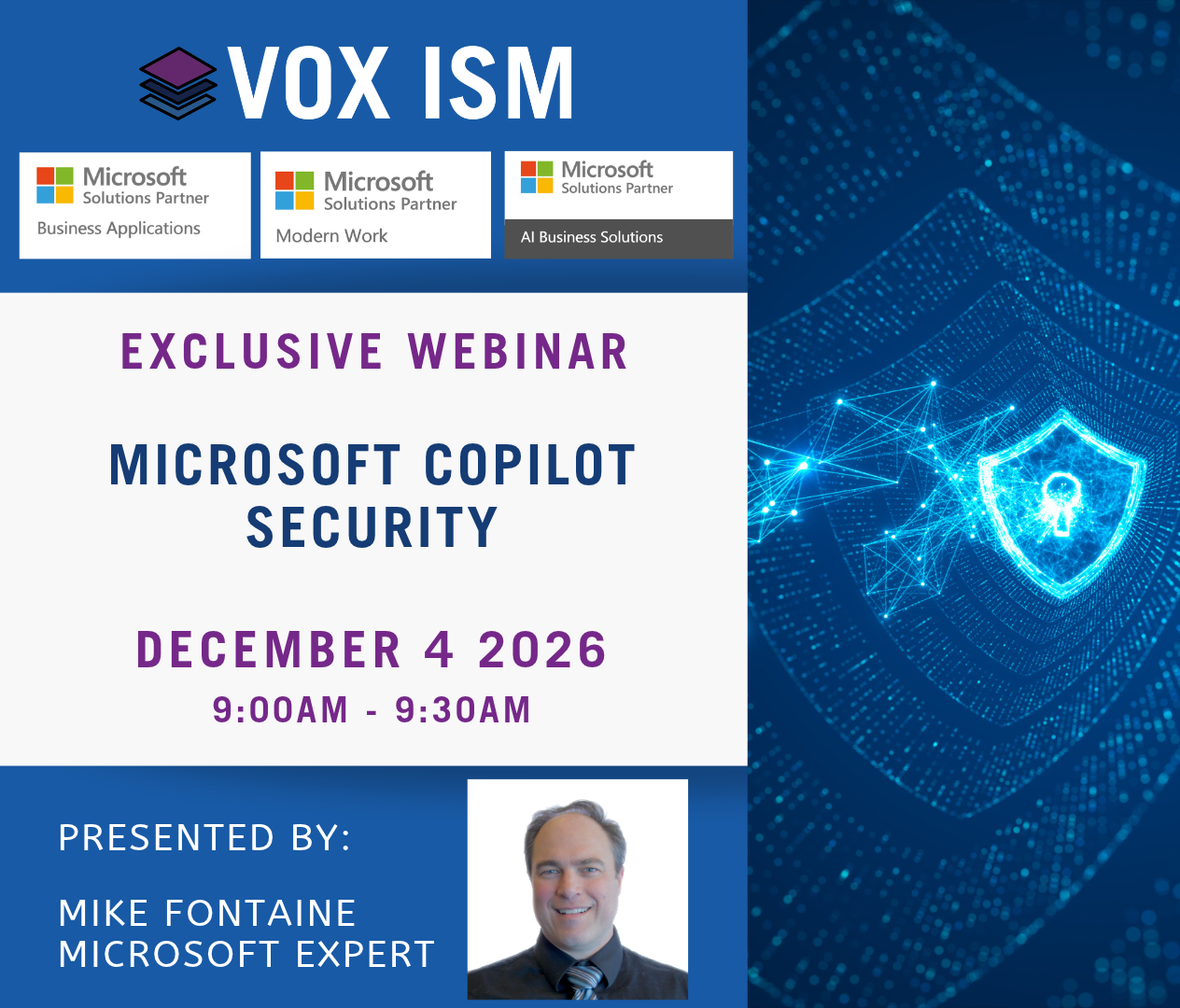
Overview
Copilot does not create a new permission model for Microsoft 365. It works with the access users already have. That is good from a security perspective, but it can expose a problem that has been ignored for years: people may already have access to more information than they should.
A secure Copilot rollout therefore starts with identity, permissions, information protection and a realistic review of where company data is stored. It also needs clear rules for external content, customer information and AI generated output.
This webinar shows the Microsoft controls that matter, how to inspect the current environment and how to put practical guardrails in place without making Copilot unusable.
Who Should Attend
· Microsoft 365 administrators and security teams
· Business owners and managers responsible for company information
· Compliance, privacy and records management teams
· Organizations planning or expanding a Copilot rollout
· SharePoint, Teams and OneDrive owners
What You’ll Learn
· How Copilot uses existing Microsoft 365 permissions
· How oversharing happens in SharePoint, Teams and OneDrive
· How identity, Conditional Access and multifactor authentication reduce risk
· How sensitivity labels, data loss prevention and retention support AI use
· How to review activity and investigate a questionable result
· How to establish a practical rollout checklist
Agenda
1. What Copilot can see
The signed-in user’s access determines the work content Copilot can use. A test shows the difference between information a user can open and information they cannot.
2. Finding overshared information
Broad links, old Teams sites, inherited permissions and files shared beyond the intended audience are reviewed. The objective is to correct access at the source rather than hide it from Copilot.
3. Identity and device controls
A review of multifactor authentication, Conditional Access and account protection. If an identity is compromised, Copilot is only one of many ways company information could be reached.
4. Classifying and protecting information
Sensitivity labels, data loss prevention and the handling of external content are covered, using a practical example involving a customer or financial document.
5. Admin, audit and investigation
Attendees will see where administrators can review settings, usage and audit information. The example follows a question from the user experience back to the source content and access path.
6. A controlled rollout
The final segment provides a working checklist covering users, use cases, permission review, training and support. The aim is safe adoption based on real work, not a policy document nobody uses.
Frequently Asked Questions
Can Copilot see files a user cannot open?
Microsoft 365 Copilot is designed to work within the signed-in user’s permissions. The bigger issue is whether those existing permissions are broader than the organization intended.
Should every SharePoint site be cleaned up before a Copilot rollout?
Prioritize sensitive locations, broadly shared sites and the groups receiving Copilot first. A staged review is usually more practical than waiting for a perfect tenant-wide cleanup.
Does blocking prompts solve data protection?
No. The underlying controls are identity, access, classification, retention and user behavior. Prompt guidance is useful, but it is not a substitute for those controls.