

- This event has passed.
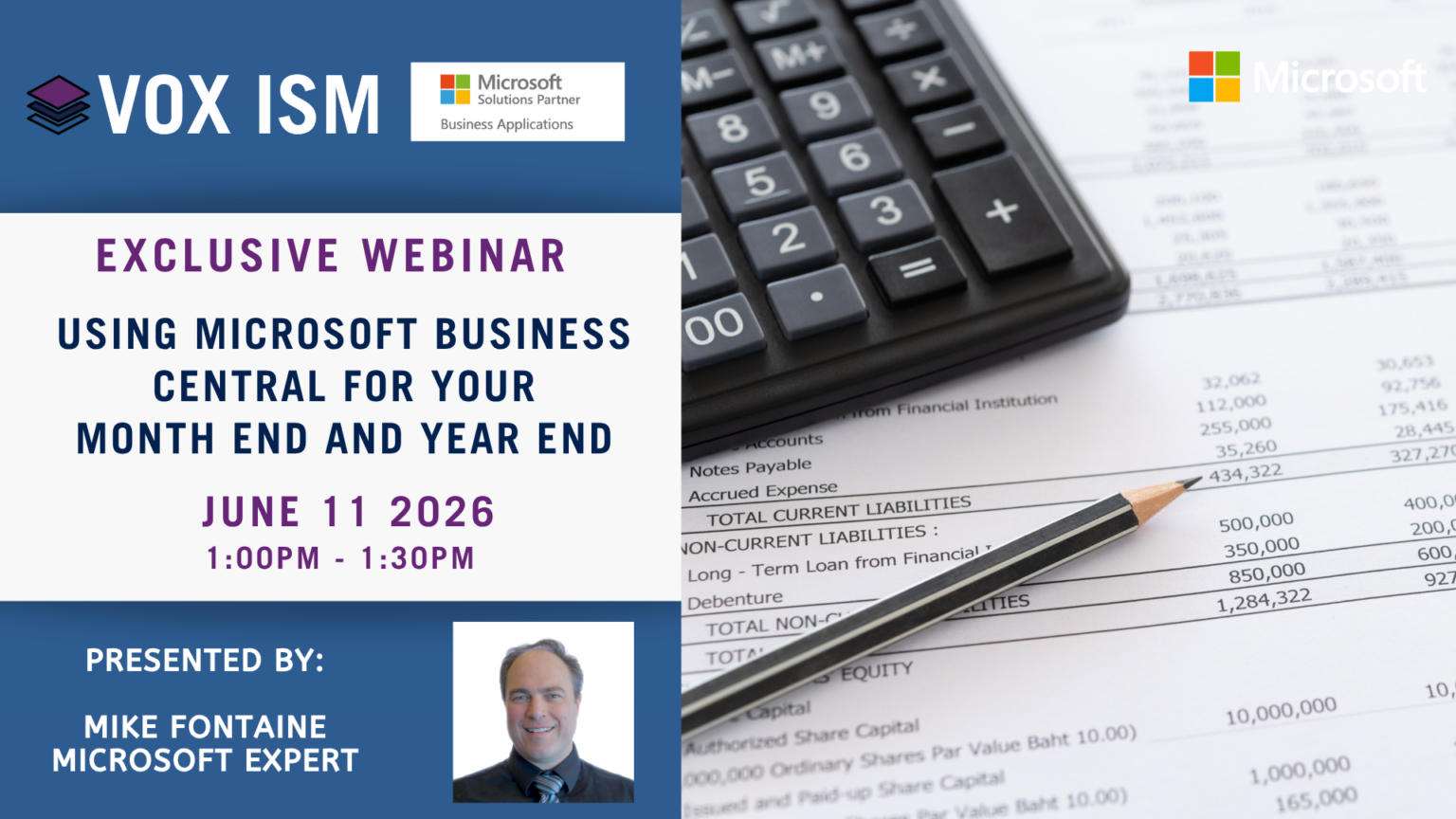
Learn actionable steps to streamline month-end and year-end closing using Microsoft Dynamics 365 Business Central, reducing manual work and improving accuracy. Whether you’re a seasoned accountant or new to Business Central, discover how to leverage Microsoft Copilot and AI to streamline your workflows and enhance accuracy during the critical year-end period.
Agenda
· Automate Recurring Journals: Use Recurring General Journals for accruals and depreciation
· Leverage Account Schedules for Financial Reporting: Build custom account schedules for P&L and Balance Sheet
· Use Dimensions for Accurate Analysis: Apply dimensions (e.g., department, project) for granular reporting
· Bank Reconciliation Automation: Import bank statements and use automatic matching
· Inventory Valuation & Aging Reports: Run reports before closing to ensure accurate COGS
· Close Income Statement Accounts: Use the Close Income Statement batch job to transfer net income to retained earnings
· Lock Posting Periods: Prevent backdated entries by closing periods once reconciled
· Year-End Checklist: Adjust Exchange Rates, archive posted documents, backup database
· Utilizing Microsoft Copilot and AI for efficiency
· Data integrity, security, and compliance considerations
A smooth month-end and year-end close starts with the right process and the right tools. This session will equip you with a clear checklist, practical techniques, and automation strategies to close your books faster, with fewer errors and greater confidence. Join us to transform your close process and take advantage of everything Business Central has to offer.