

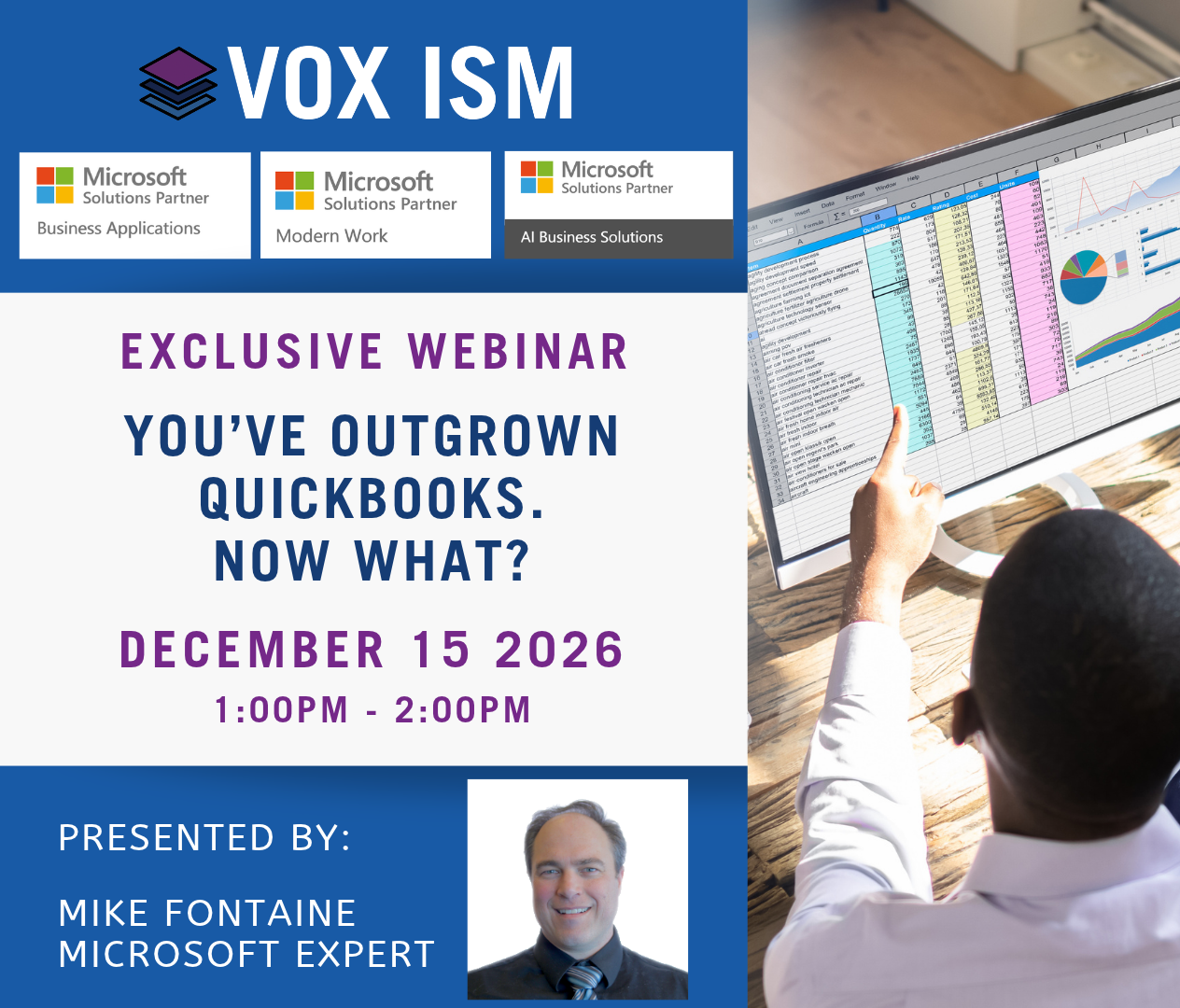
Overview
QuickBooks can be a good fit for a smaller organization, but growth changes the job. More users, locations, inventory, approvals, reporting requirements and system connections create work that is difficult to control with a basic accounting package and a collection of spreadsheets.
The decision to move is not only about transaction volume. It is about whether the current system can support the way the business now operates and whether management can trust the information without a large manual effort.
This webinar shows what changes when a company moves to Business Central, what data should be migrated and how to plan the transition without rebuilding every old workaround in the new system.
Who Should Attend
· QuickBooks users experiencing growth or control issues
· Owners, controllers and finance managers
· Manufacturers, distributors and service organizations
· Companies adding locations, entities, inventory or approval requirements
· Teams evaluating Business Central as their next ERP
What You’ll Learn
· The operational signs that QuickBooks is no longer enough
· How Business Central changes accounting, inventory and order management
· How dimensions and workflows improve reporting and control
· Which data should be migrated and which data can remain in an archive
· How to plan testing, training and cutover
· How to compare total process effort rather than subscription price alone
Agenda
1. Recognizing the breaking points
Spreadsheet dependence, duplicate entry, user limitations, weak approvals, inventory uncertainty and slow reporting are examined. The goal is to connect each symptom to a business requirement.
2. What Business Central adds
Integrated sales, purchasing, inventory, banking and accounting are demonstrated by following one order through fulfillment, invoicing and the general ledger.
3. Better reporting without a larger chart of accounts
Dimensions and Power BI are used to report by department, location or business line while keeping the chart of accounts manageable.
4. Controls and approvals
Posting permissions, approval workflows, audit history and period controls are shown. These are often the reasons a growing finance team needs ERP, not just more transaction capacity.
5. Migration choices
Master data, open transactions, opening balances and historical detail are treated separately. The session explains why moving every old transaction is not always the best use of the project.
6. Testing and cutover
A practical sequence is reviewed for data cleanup, configuration, testing, training, final migration and go live support.
7. What to measure after go live
The final step is confirming shorter processing time, fewer manual reconciliations, better inventory visibility and faster reporting.
Frequently Asked Questions
How do you know when it is time to move from QuickBooks?
The clearest signal is repeated manual work or weak control that the current system cannot solve without another spreadsheet, duplicate entry or workaround.
Does all QuickBooks history have to be migrated?
No. Many projects migrate master data, open transactions and balances, then keep detailed history in a secure archive. The right choice depends on reporting, audit and operational needs.
How long does a move to Business Central take?
It depends on process complexity, data quality, integrations and the availability of the project team. A focused implementation with clear scope moves faster than a project that tries to redesign everything at once.