
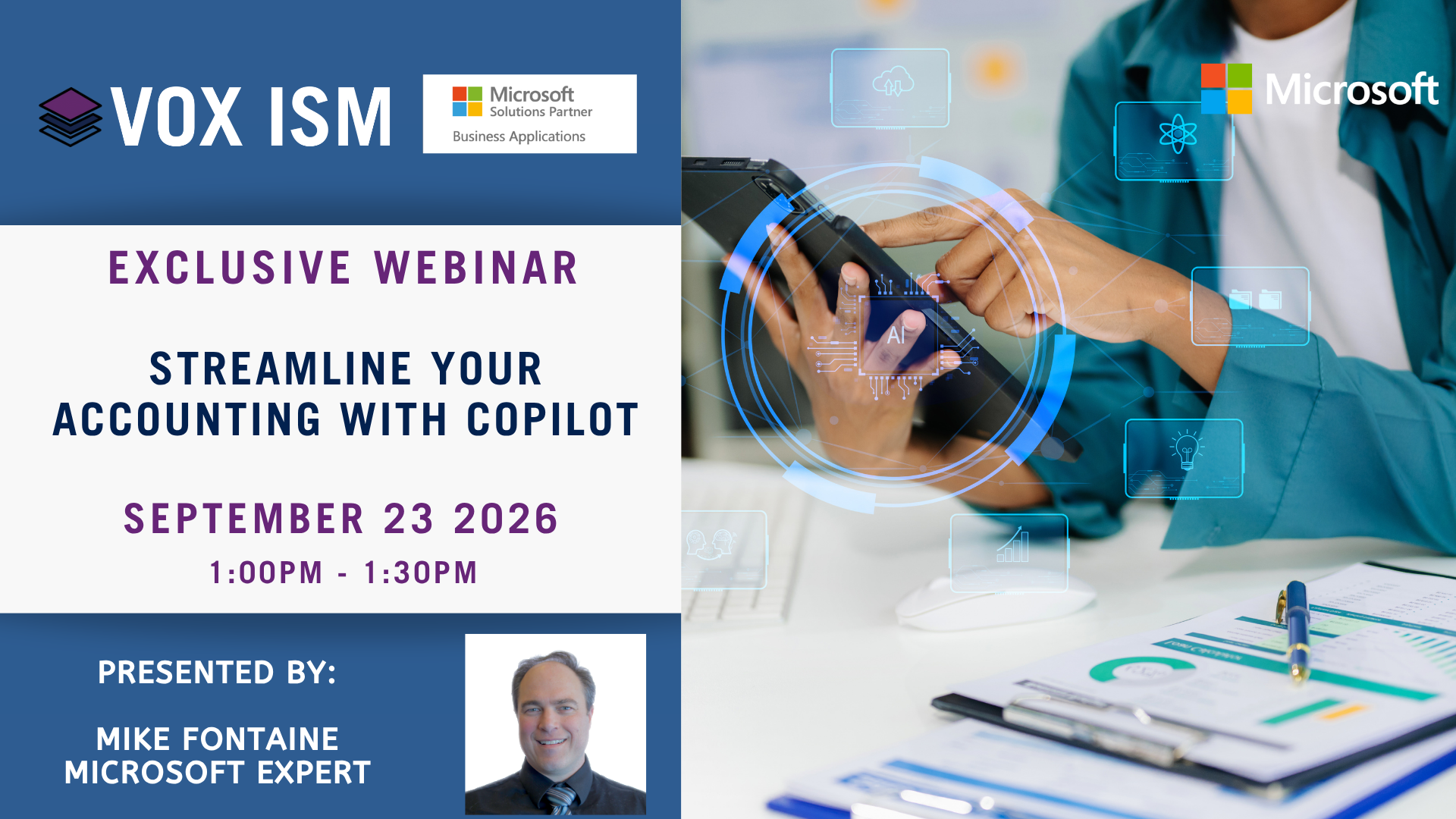
Streamline your Accounting with Copilot
Artificial intelligence is rapidly transforming the role of finance professionals. This session explores how Business Central, Copilot, AI forecasting, intelligent agents, and Microsoft 365 work together to automate routine accounting tasks, improve decision-making, and free your team to focus on higher-value activities. We will demonstrate both today's built-in AI capabilities and the next generation of accounting agents that can monitor, analyze, and act on your behalf.
· Improve forecasting and financial planning using AI-powered cash flow forecasting
· Predict late payments and improve collections with intelligent payment prediction
· Accelerate bank reconciliations using automation and Copilot-assisted matching
· Ask questions in natural language and receive insights directly from Business Central
· Explore new Business Central agents including Payables, Sales Order, and operational agents
· Learn how custom agents can monitor AR, exceptions, approvals, and financial risks
· Automate accounting workflows, approvals, follow-ups, and management reporting
· Use Copilot to create board presentations, analyze trends, and generate executive insights
Demo Focus
1. Cash Flow Forecasting
2. Payment Prediction
3. Bank Reconciliation Automation
4. Business Central Q&A / Natural Language Insights
5. Payables Agent
6. Sales Order Agent
7. Custom AR Collections Agent
8. Executive Oversight / Exception Monitoring Agent
9. Copilot creating a Board Presentation from Business Central data
10. Power BI financial dashboards with AI-generated commentary
Key takeaway: Modern accounting teams can move beyond data entry and manual reporting by using AI to forecast, reconcile, monitor, analyze, and communicate financial information faster than ever before. The future is not just Copilot answering questions, but intelligent agents actively helping run the finance department.

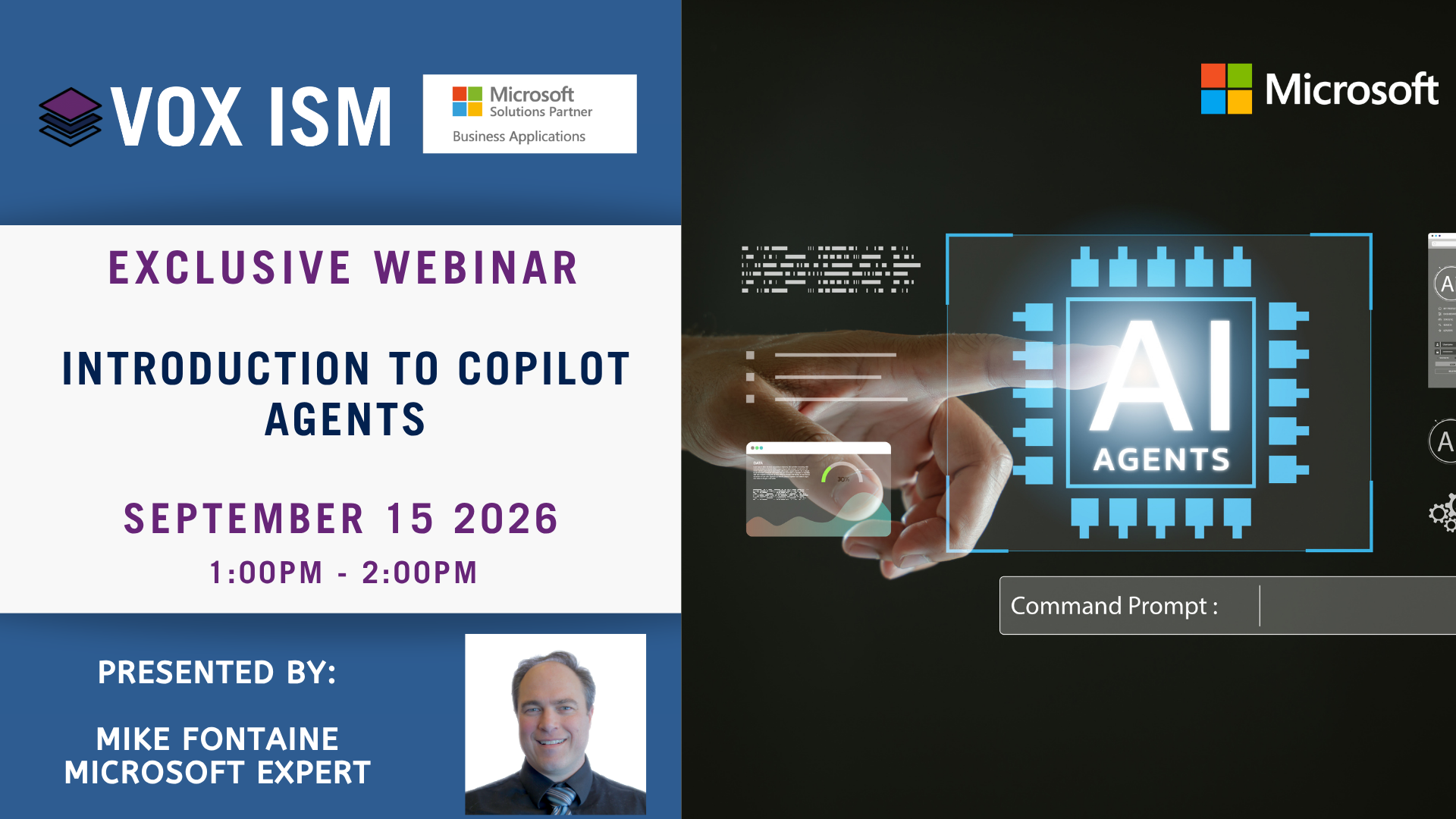
Introduction to Copilot Agents
Microsoft Copilot is evolving from a conversational assistant into a collection of specialized agents that can research, analyze, create, automate, and complete work. This session provides a practical introduction to the agents available in Microsoft 365 and explores newer agentic capabilities that can coordinate complex tasks across Microsoft applications and business data.
· Understand the difference between Copilot Chat, agents, and autonomous coworkers
· Explore Researcher, Analyst, Learning, Prompt Coach, Create, Facilitator, and Interpreter agents
· Automate everyday processes using the Workflow Agent
· Analyze business and ERP information using the Finance Agent
· Delegate complex, multistep work using Copilot Cowork
· Discover agents for Microsoft 365, Teams, Dynamics 365, and Business Central
· Find prebuilt agents in the Agent Store and understand how organizations can build their own agent
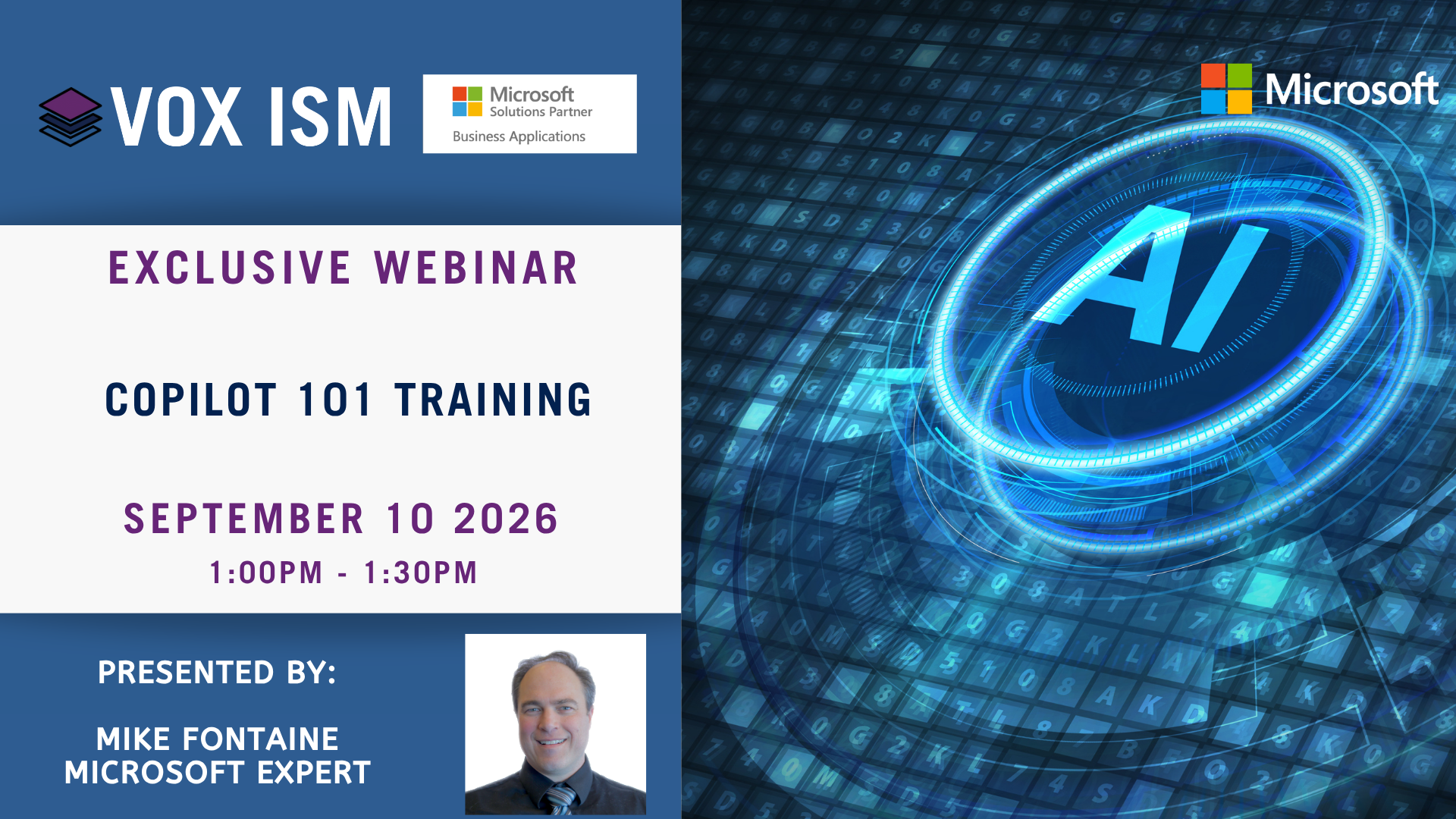
Copilot 101 Training
Artificial Intelligence is changing how we work, but most people still use only a fraction of what's possible. Join us for a practical introduction to Microsoft Copilot and learn how to use AI as your daily productivity partner. We'll focus on real-world techniques that help you find answers faster, work smarter, and turn ideas into results.
What We'll Cover:
· Using Copilot as your "second brain"
· Finding answers and learning new topics faster
· Writing effective prompts that deliver better results
· Creating first drafts instead of starting from scratch
· Turning meeting notes and ideas into action plans
· Improving emails, documents, and presentations
· Leveraging Copilot across Word, Outlook, Teams, and the web
· Common mistakes and best practices for AI success
· Live Q&A and practical demonstrations
Outcome: Learn how to save time, improve the quality of your work, and confidently use Copilot to increase productivity every day.
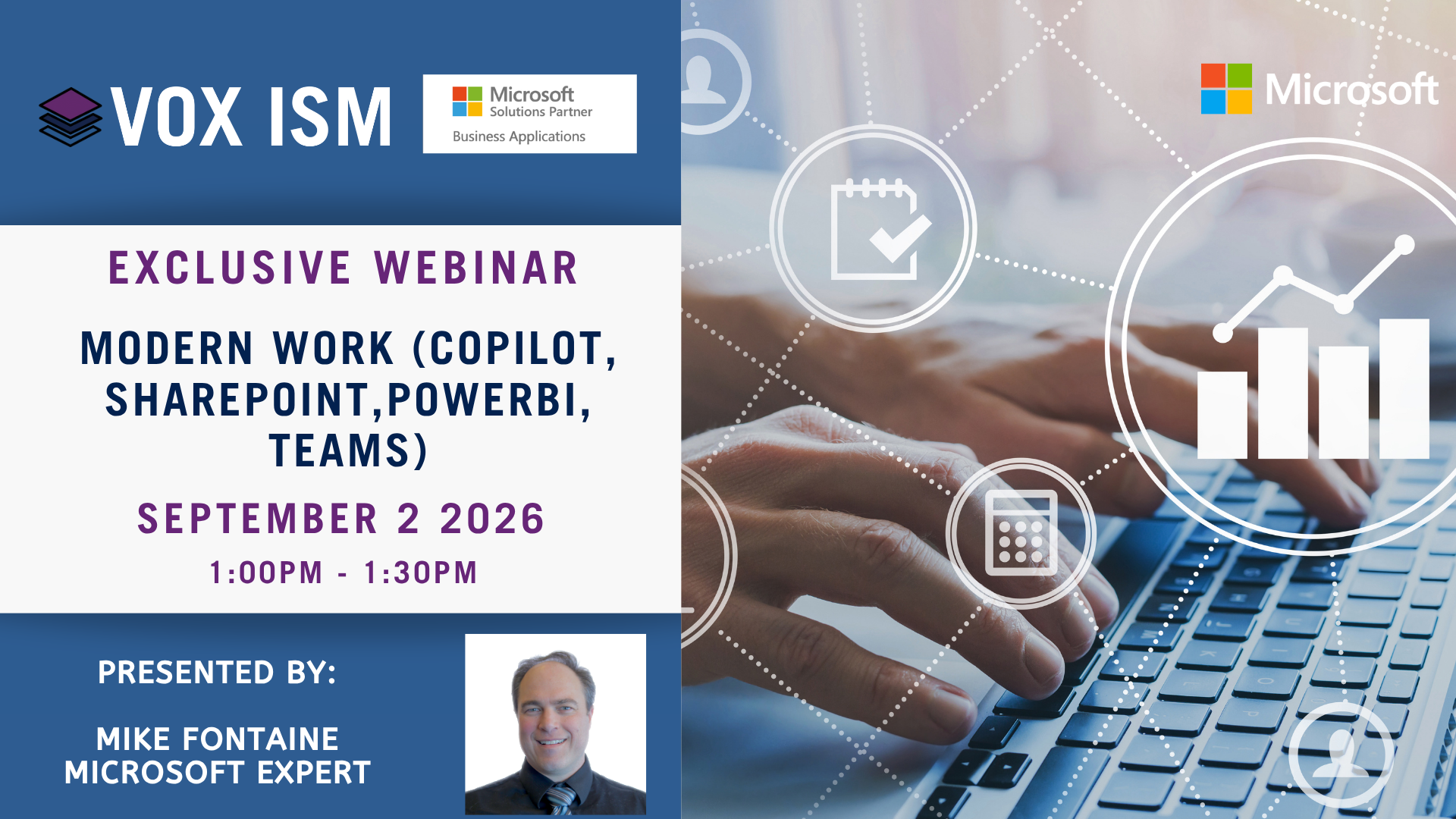
Modern Work (Copilot, SharePoint, Power BI, Teams)
Modern work is about more than individual tools. It's about creating a connected, secure, and intelligent workplace where information is easy to find, collaboration happens naturally, and better data leads to better decisions. Join us for a live demonstration of how Teams, SharePoint, Power BI, and Copilot work together to help organizations improve productivity, knowledge sharing, and business insight.
What We'll Cover:
· Microsoft Teams as the hub for collaboration, communication, and daily work
· SharePoint as the secure foundation for document management and organizational knowledge
· Why data quality, permissions, and governance matter for AI success
· How Copilot uses your organization's content to provide better answers and insights
· Creating, sharing, and managing information across Teams and SharePoint
· Power BI dashboards that transform data into actionable business intelligence
· Using Power BI to support faster and more informed decision-making
· How the new Copilot experience leverages Power BI as a trusted data source
· Connecting people, content, and data to create a more intelligent workplace
· Live Q&A and real-world use cases
Outcome: Learn how a strong Microsoft 365 foundation creates the context Copilot needs to deliver meaningful answers, helping your team collaborate more effectively, make better decisions, and get more value from your business data.
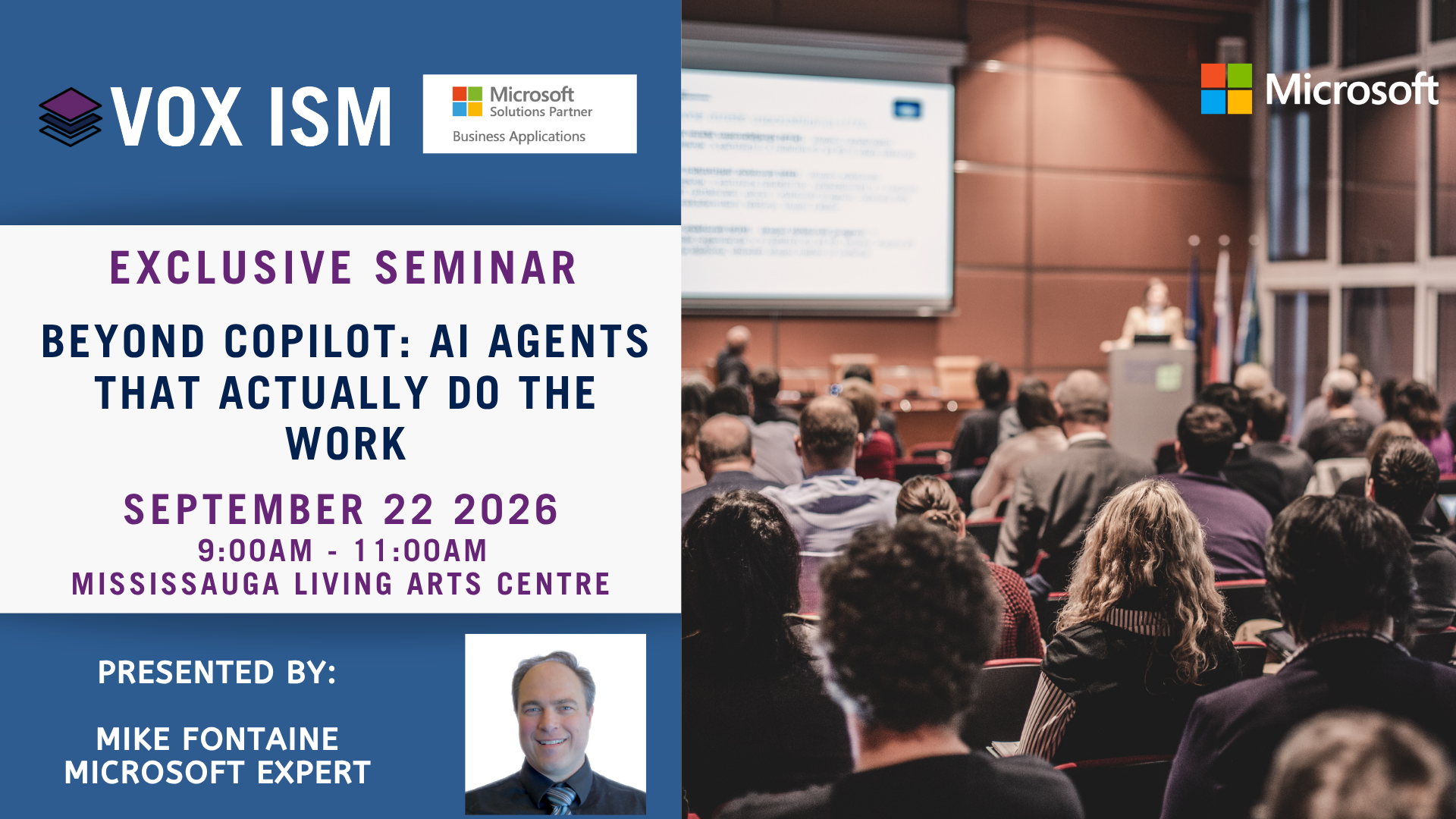
Beyond Copilot: AI Agents That Actually Do the Work
Experience AI Agents That Actually Do the Work
Title: Beyond Copilot: AI Agents That Actually Do the Work
Date: September 22 2026
Time: 9:00 AM – 11:00 AM EST – Breakfast will be provided
Location: Mississauga Living Arts Centre, 4141 Living Arts Dr, Mississauga, Ontario, CA, L5B 4B8 in the Mississauga Room
Most AI events show you how to write faster. This seminar shows how Microsoft AI can perform real work across your business.
AGENDA
The AI Shift: From Assistants to Digital Workers Why AI has become a boardroom priority; what changed in the last 12 months; Copilot vs. agents vs. digital coworkers.
What You Already Own Today AI already available across Microsoft 365, Business Central, Dynamics 365, Teams, Researcher, Analyst and Facilitator.
Live Demonstration: AI That Actually Does the Work Watch AI research, create an executive report, build a presentation, prepare follow-up actions and coordinate work across Microsoft applications.
Building Your First Digital Workforce Finance, sales, customer service, payables and executive reporting agents. The journey from people doing work to AI-executed work under human supervision.
What Microsoft Is Building Next Agent Mode, Copilot Cowork, Work IQ, Business Central and Dynamics agents, Microsoft Foundry, Microsoft AI models and Agent 365 governance.
Executive Discussion: If You Had 10 AI Employees Tomorrow Where would AI create the greatest value? Which functions should adopt first? What requires human approval?
Closing Takeaways and Next Steps A practical path from Copilot productivity to a secure, governed digital workforce.
ATTENDEE TAKEAWAYS
UNDERSTAND Copilot, agents and digital coworkers EXPERIENCE A live multi-step AI work demonstration PLAN A practical, governed adoption path
Copilot is the interface. Work IQ provides the context. Agents do the work.
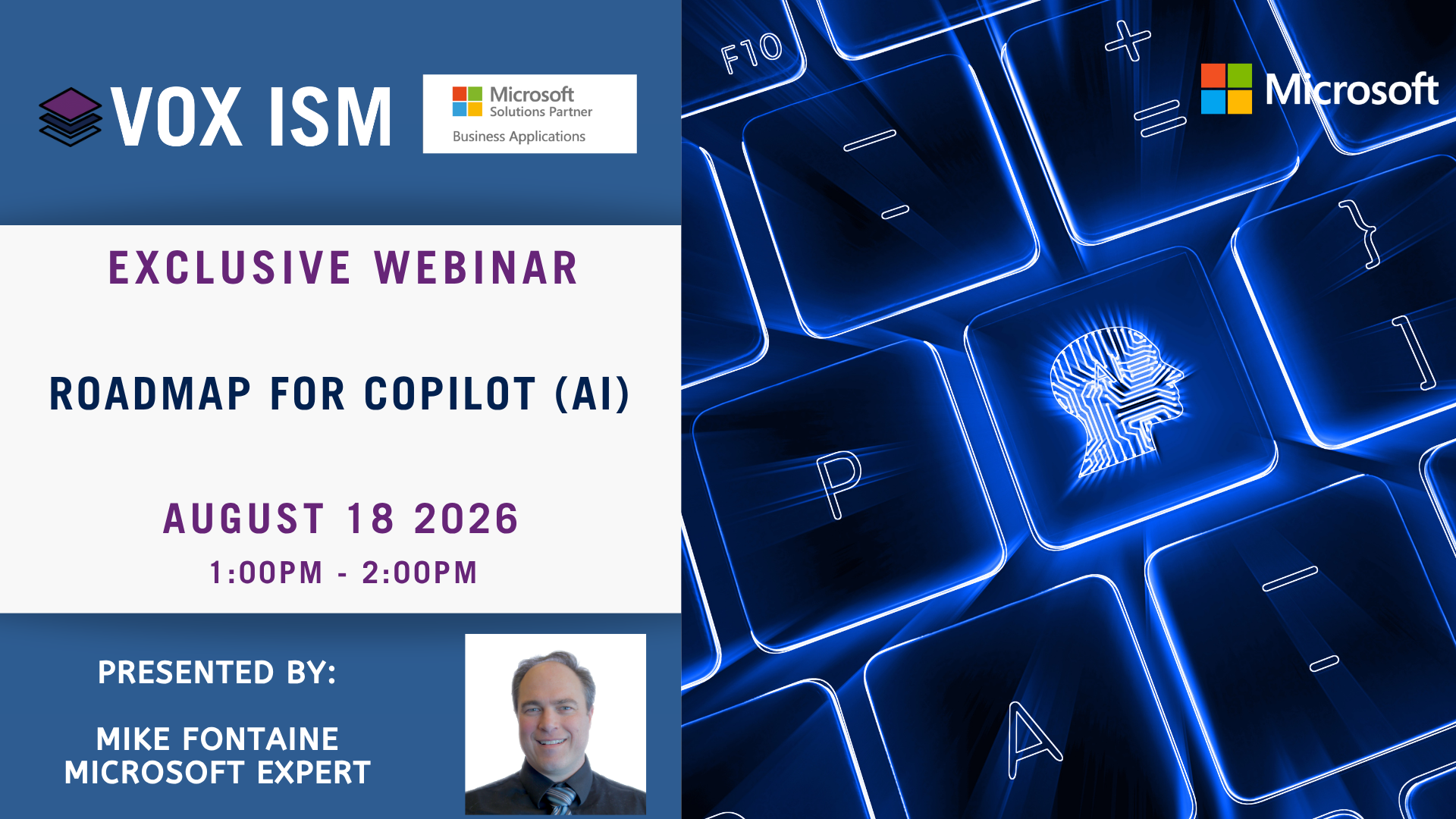
Roadmap for Copilot (AI)
Microsoft AI is moving from individual productivity assistance to a broader platform of Copilot experiences, agents, governance controls, and business process automation. This roadmap session helps leaders understand the direction, the value, and the practical steps needed to adopt Copilot responsibly.
Webinar Agenda
· Microsoft Copilot direction: chat, apps, agents, and automation
· From assistant to agent: what changes for users and IT
· Copilot across Microsoft 365, Dynamics 365, Power Platform, and Business Central
· Agent Builder, Copilot Studio, and custom business agents
· Data readiness: SharePoint, Teams, files, meetings, CRM, and ERP data
· Governance: permissions, sensitivity labels, DLP, auditing, and responsible AI
· Adoption roadmap: pilot groups, training, use cases, and ROI measurement
· Priorities for executives, IT, finance, sales, and operations

Using Copilot in Excel
Copilot in Excel helps users work with data using plain language. In this session, attendees will see how to prepare data, ask questions, generate formulas, highlight trends, create charts and PivotTables, and build useful workbook outputs without starting from a blank spreadsheet.
Webinar Agenda
· What Copilot in Excel can do and where it appears in Excel
· Preparing data in tables or supported ranges
· Using Copilot to clean, highlight, sort, and filter data
· Generating and explaining formulas and calculated columns
· Creating charts, PivotTables, summaries, and insights
· Using edit, plan, and chat modes effectively
· Importing data from files, web, OneDrive, SharePoint, or business content
· Limitations, review practices, and data governance tips
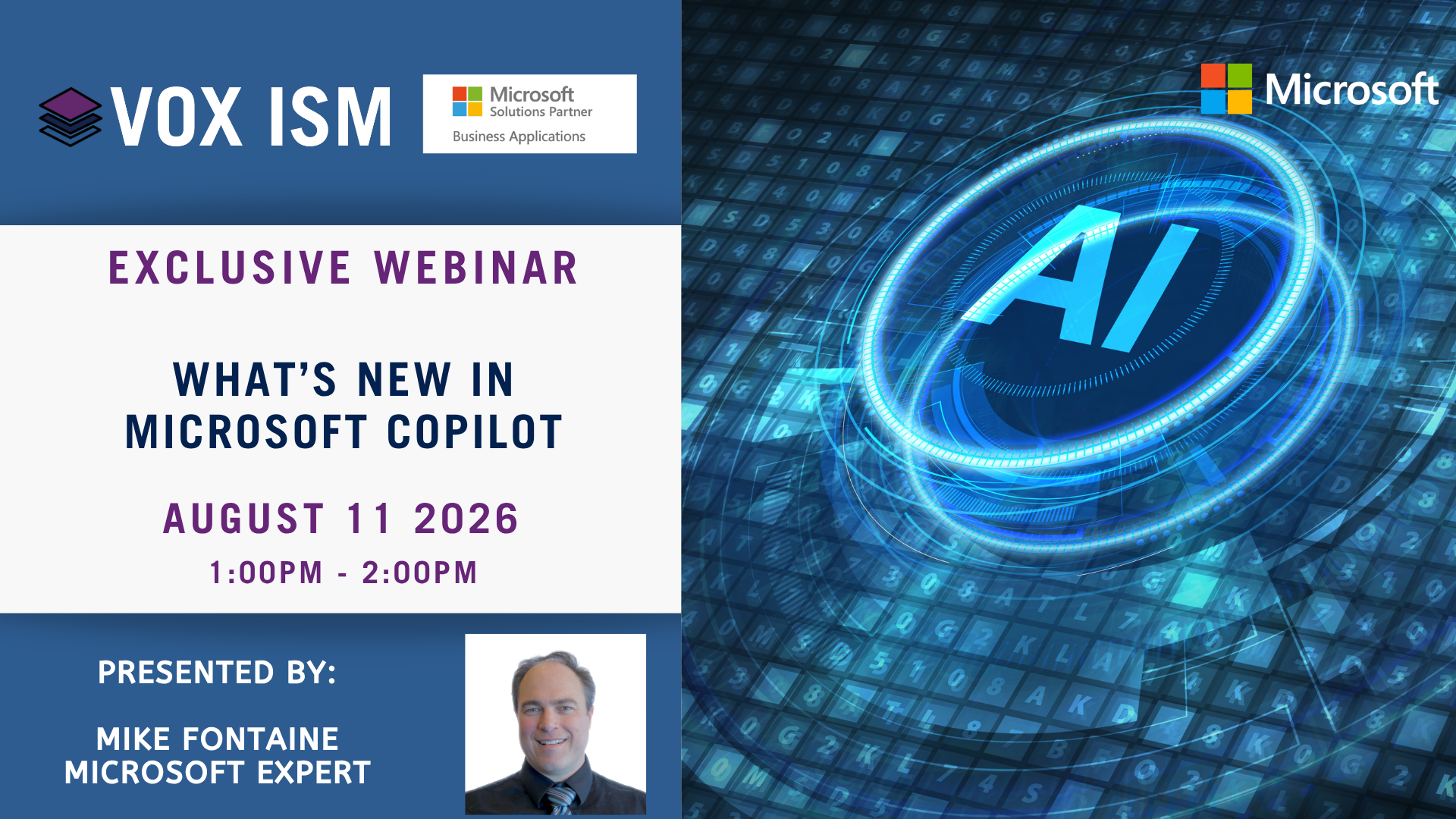
What's New in Microsoft Copilot
Microsoft Copilot continues to expand from chat assistance into agents, app-specific experiences, and connected workflows across Microsoft 365, Teams, Excel, PowerPoint, Outlook, Dynamics 365, and Business Central. This session translates the latest updates into practical business use cases.
Webinar Agenda
· Copilot overview: what has changed and why it matters
· Copilot Chat, Microsoft 365 Copilot, and role-based Copilots
· Agents: prebuilt agents, custom agents, and agent store concepts
· Copilot in Word, Excel, PowerPoint, Outlook, and Teams
· Copilot for sales, service, finance, and Business Central scenarios
· Using enterprise data safely through Microsoft Graph and permissions
· Governance, security, adoption, and responsible AI considerations
· Practical rollout plan: where to start, train, measure, and expand
Building Business Value Across the Microsoft Stack
VOX ISM Recognized by CIOReview: Building Business Value Across the Microsoft Stack
VOX ISM is proud to be featured in CIOReview’s Microsoft Dynamics 365 Solutions of the Year in Canada 2026, highlighting the company’s commitment to helping organizations realize the full value of Microsoft’s business technology ecosystem.
The article, Building Business Value Across the Microsoft Stack, showcases how VOX ISM has evolved beyond traditional ERP and CRM implementations to become a strategic partner that helps organizations connect, optimize, and modernize their entire Microsoft environment.
Beyond Software Implementation
Today’s businesses rarely operate with a single application. Financial management, customer engagement, collaboration, reporting, automation, and AI are increasingly interconnected. As organizations expand their use of Microsoft technologies, they often struggle with ensuring these systems work together effectively.
The CIOReview article highlights VOX ISM’s unique approach: helping customers align the full Microsoft business environment rather than focusing on a single solution area.
From Microsoft Dynamics 365 Business Central and CRM to Microsoft 365, Teams, Power BI, Power Platform, and Copilot, VOX ISM provides a unified strategy that helps businesses reduce complexity while improving operational efficiency.
As Jim Heaton, President of VOX ISM, explains in the article:
“Most Microsoft partners stay confined to a single segment. VOX ISM has built the capability and expertise to align the full Microsoft business environment.”
Helping Customers Navigate the AI Era
Artificial Intelligence has quickly become one of the most important conversations in business technology. Organizations are exploring how AI can improve productivity, streamline operations, and provide better insights across every department.
The CIOReview feature recognizes VOX ISM’s practical approach to AI adoption through Microsoft Copilot. Rather than focusing on AI for its own sake, VOX ISM emphasizes real-world business scenarios where organizations can achieve measurable value.
Through educational seminars, workshops, and consulting engagements, VOX ISM helps customers understand how Copilot can support everyday business functions such as reporting, meeting preparation, communications, analytics, and process automation.
The company’s focus remains on ensuring AI is implemented responsibly, securely, and in ways that align with specific business objectives.
Industry Expertise That Drives Better Outcomes
One of the key themes highlighted in the CIOReview article is VOX ISM’s deep understanding of business operations.
The firm’s consulting teams include professionals with experience in accounting, finance, supply chain management, warehousing, sales, distribution, and manufacturing. This practical business knowledge allows VOX ISM to bridge the gap between technology and real-world operational requirements.
Rather than simply deploying software, the company works closely with clients to understand processes, identify opportunities for improvement, and deliver solutions that create long-term business value.
This approach has enabled VOX ISM to successfully support organizations across manufacturing, distribution, professional services, and many other industries throughout Canada.
Education as a Competitive Advantage
Technology continues to evolve at an unprecedented pace. Microsoft introduces major platform enhancements and new capabilities several times each year, creating both opportunities and challenges for organizations trying to stay current.
The CIOReview article highlights one of VOX ISM’s most important differentiators: customer education.
VOX ISM hosts approximately 150 educational events annually, helping organizations stay informed about Microsoft’s latest innovations, best practices, and product roadmaps. These sessions cover topics such as Business Central, CRM, Copilot, Power Platform, and other emerging Microsoft technologies.
This ongoing commitment to education helps clients make informed decisions, accelerate adoption, and maximize the return on their technology investments.
A Trusted Microsoft Partner
The recognition from CIOReview reinforces VOX ISM’s long-standing position as a trusted Microsoft partner. For more than two decades, the company has helped organizations modernize business processes, improve visibility, and leverage new technologies to remain competitive.
What sets VOX ISM apart is its commitment to helping customers look beyond individual applications and instead create a connected Microsoft ecosystem that supports growth, productivity, and innovation.
As businesses continue to embrace AI, automation, and cloud technologies, having a partner that understands both technology and business operations becomes increasingly important.
Looking Forward
The future of business technology is increasingly integrated, intelligent, and data-driven. Organizations need more than software implementation—they need guidance, strategy, and a partner that can help them navigate ongoing change.
VOX ISM remains committed to helping customers achieve lasting success across the Microsoft stack through expert consulting, innovative solutions, hands-on training, and a focus on measurable business outcomes.
Being recognized by CIOReview as one of Canada’s leading Microsoft Dynamics 365 solution providers is an honor, and it reflects the dedication of the entire VOX ISM team and the trust of the customers they serve.

Microsoft Copilot Security
Microsoft Copilot for Security augments security teams by applying generative AI directly to security data and workflows. It helps analysts move faster by summarizing signals, correlating incidents, and translating natural language questions into actionable security insights—reducing time spent investigating and increasing confidence in decisions.
Core functionality
- Natural language security queries – ask questions like an analyst, not a query engine
- Incident & alert summarization – compress complex investigations into clear narratives
- Cross-tool correlation – reason across Defender, Sentinel, Entra, Intune, and more
- Guided investigations – step‑by‑step analysis with contextual prompts
- Threat intelligence synthesis – enrich incidents with internal and external context
- Response recommendations – suggested actions aligned to security workflows
- Explainability – see how conclusions were reached and what data was used